Get guidance in context
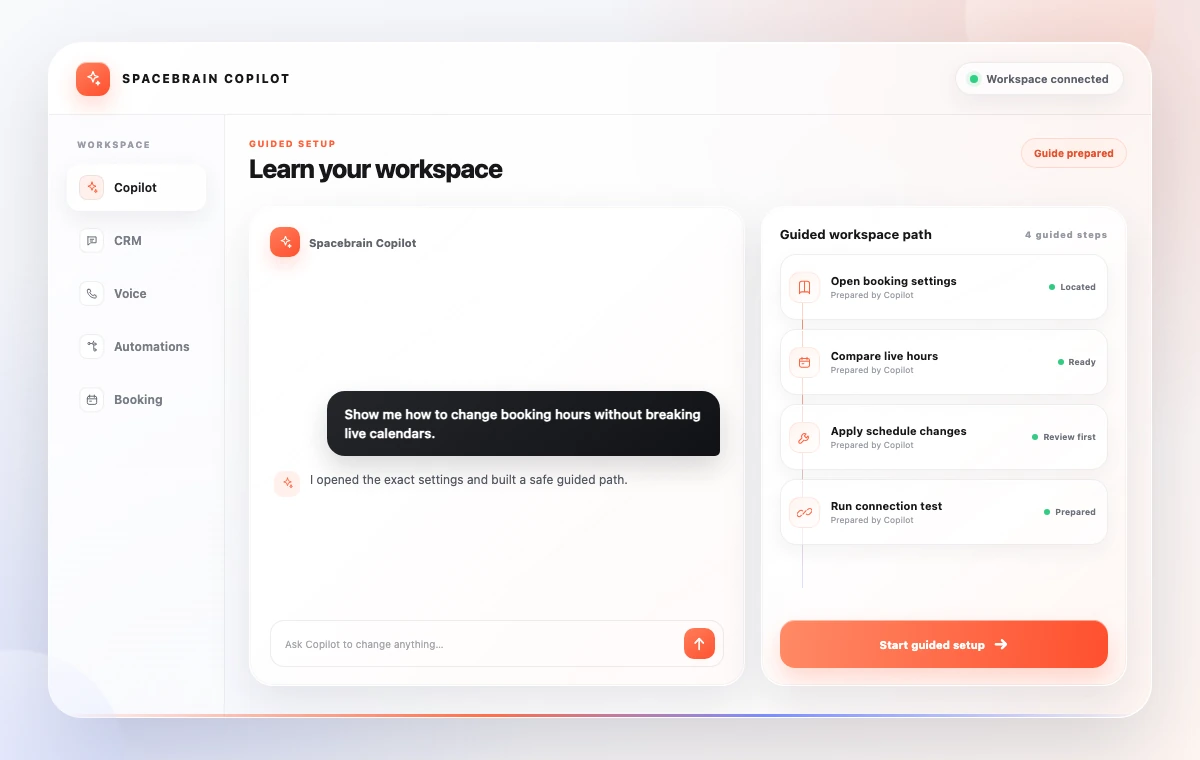
Ask a question and get the steps for your workspace—not a generic help article.
Tell Spacebrain Copilot what you want to build, fix, or understand. It can guide setup, create workflows, and take actions across your workspace.
Use Copilot to learn Spacebrain, build automations, and complete setup without switching between guides, tabs, and tools.
Ask a question and get the steps for your workspace—not a generic help article.
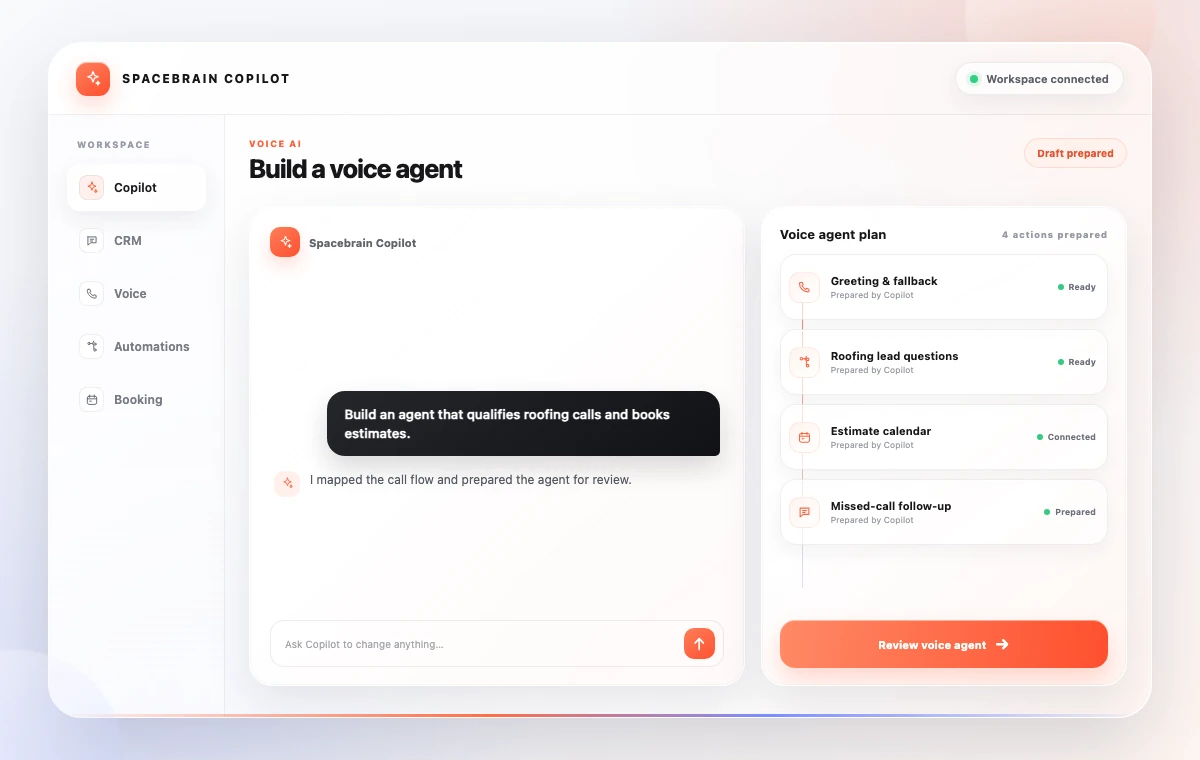
Ask Copilot to prepare a voice agent, connect the lead path, or configure the next step.
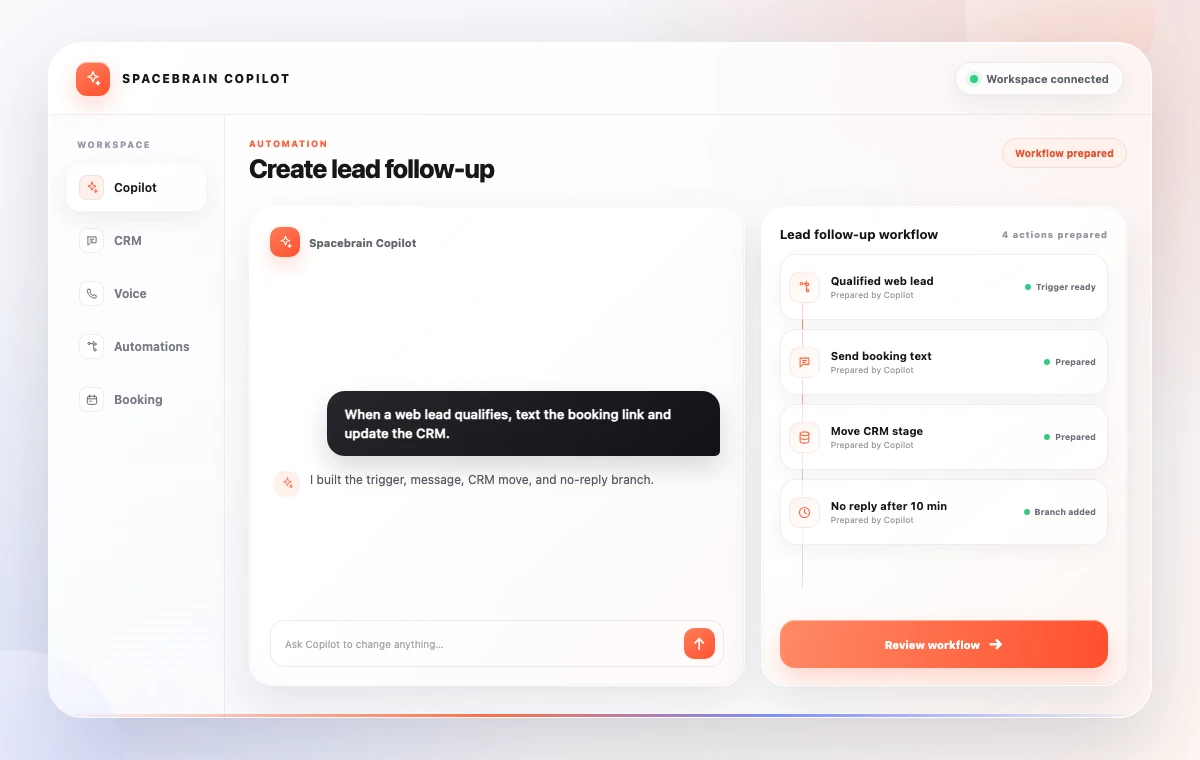
Describe what should happen. Copilot can create the workflow, connect the steps, and prepare it for review.
A basic chatbot stops at advice. Spacebrain Copilot can guide setup, create configured work, and keep the action inside your workspace.
With Spacebrain Copilot, the question, workspace context, setup, and next action stay together—so you can move from idea to working system faster.
Tell Copilot what you want, review the plan it creates, approve the details, and launch the result.
Describe the outcome in plain language, from a tutorial to a complete voice agent.
Copilot maps the right tools, steps, and settings in your workspace.
Check the agent, workflow, or action before anything goes live.
Approve the setup, run it, and keep improving it from the same conversation.
Use Copilot for setup, learning, fixes, and repeatable client delivery. Each conversation keeps the request and action connected.
Describe the calls it should handle, how to qualify, and where to book.
Ask Copilot to route a lead, send the next message, and update the CRM.
Get step-by-step help for the exact feature or setup you are working on.
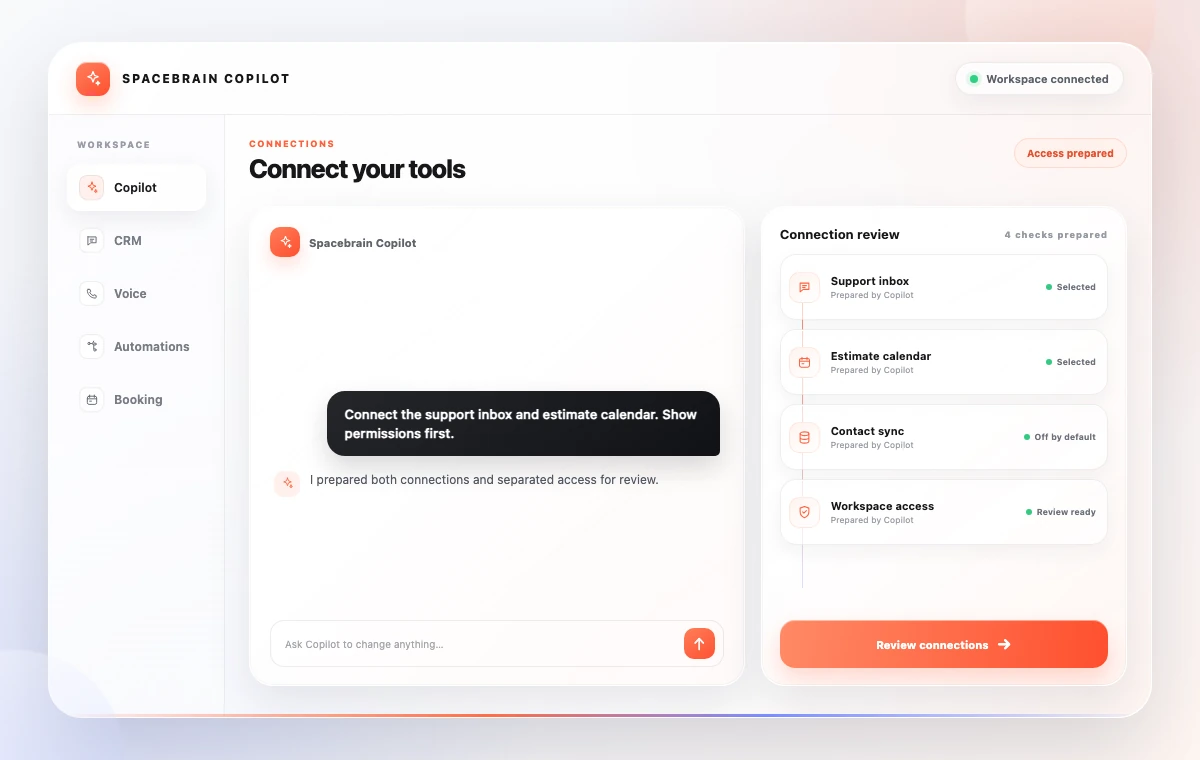
Walk through email, calendar, number, and booking connections with guidance.
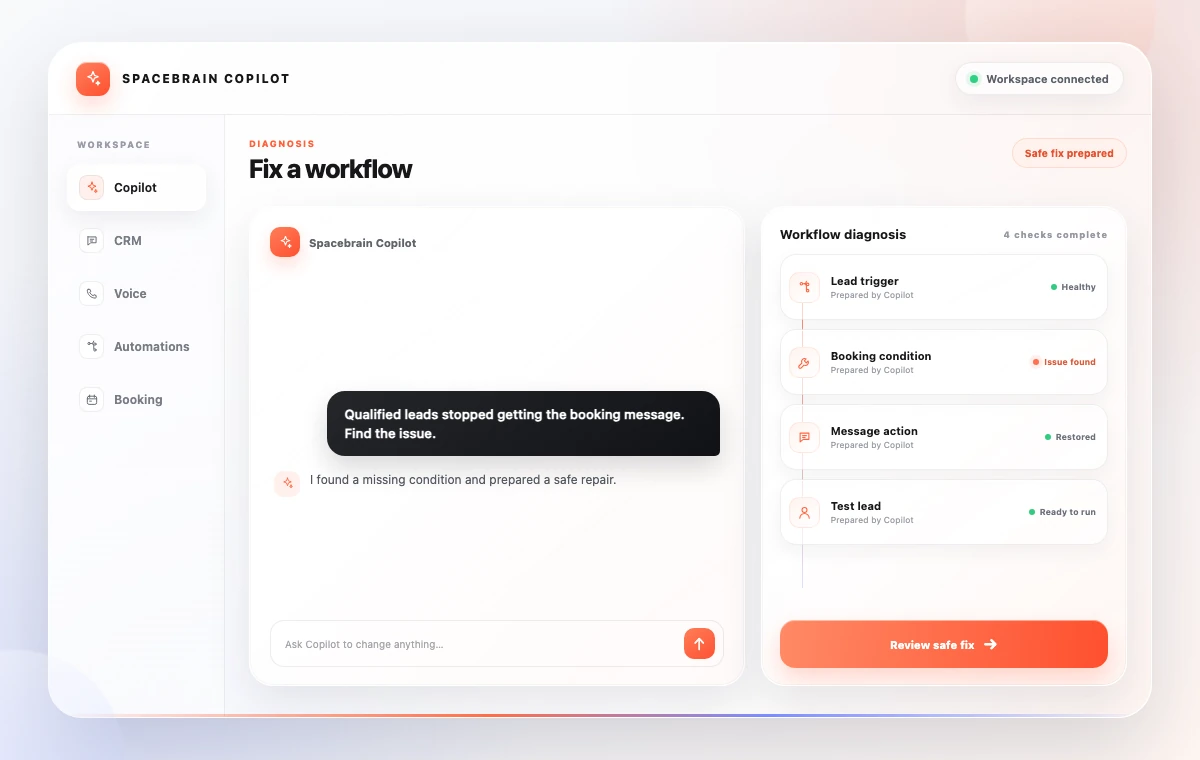
Explain what is not working and get help finding and correcting the setup.
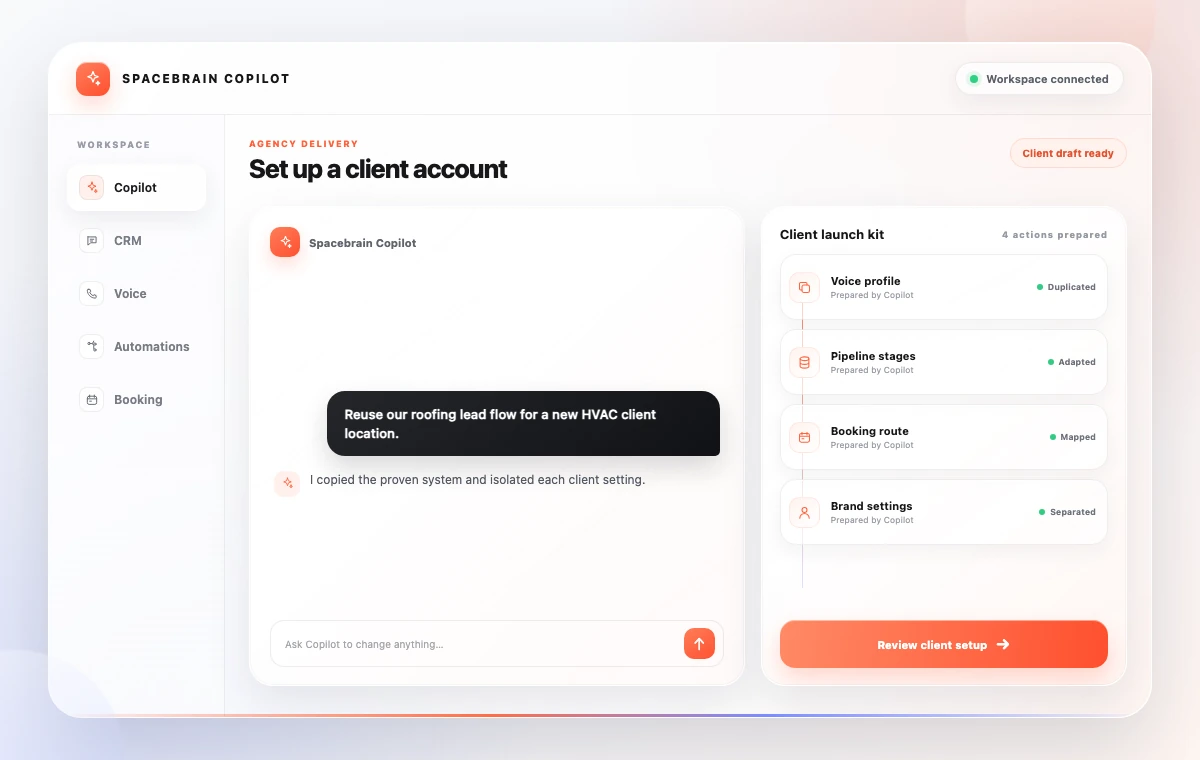
Create a repeatable voice, CRM, and automation setup for each client.
Use Copilot to guide implementation, build client automations, and handle repetitive configuration in the same Spacebrain plan.
It can answer product questions, guide setup, create automations, and take actions such as preparing a voice agent or connected workflow in your workspace.
No. It can explain what to do and help create the setup or action you asked for.
Yes. Describe the calls, qualification, routing, and booking outcome you want, then review the setup Copilot prepares.
Yes. Ask for the trigger, conditions, and next actions you need. Copilot can create the workflow for review.
Yes. It shows the steps it creates so you can understand and review the setup.
Yes. Review and adjust the agent, workflow, or action before you launch it.
Yes. Agencies can use it to speed up repeatable setup across client accounts.
It can use the workspace context needed to guide setup and prepare connected actions.
Yes. Start for free.
Describe what you want to build or understand, then move from question to reviewed setup in the same workspace.