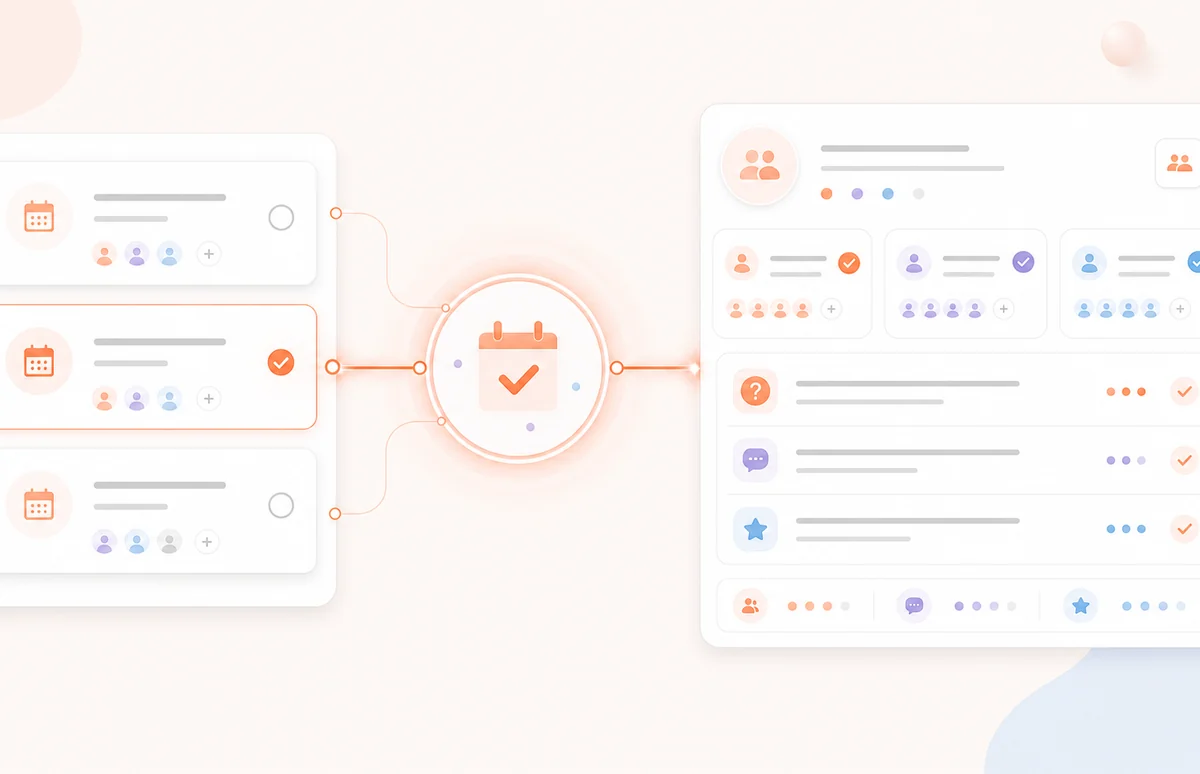
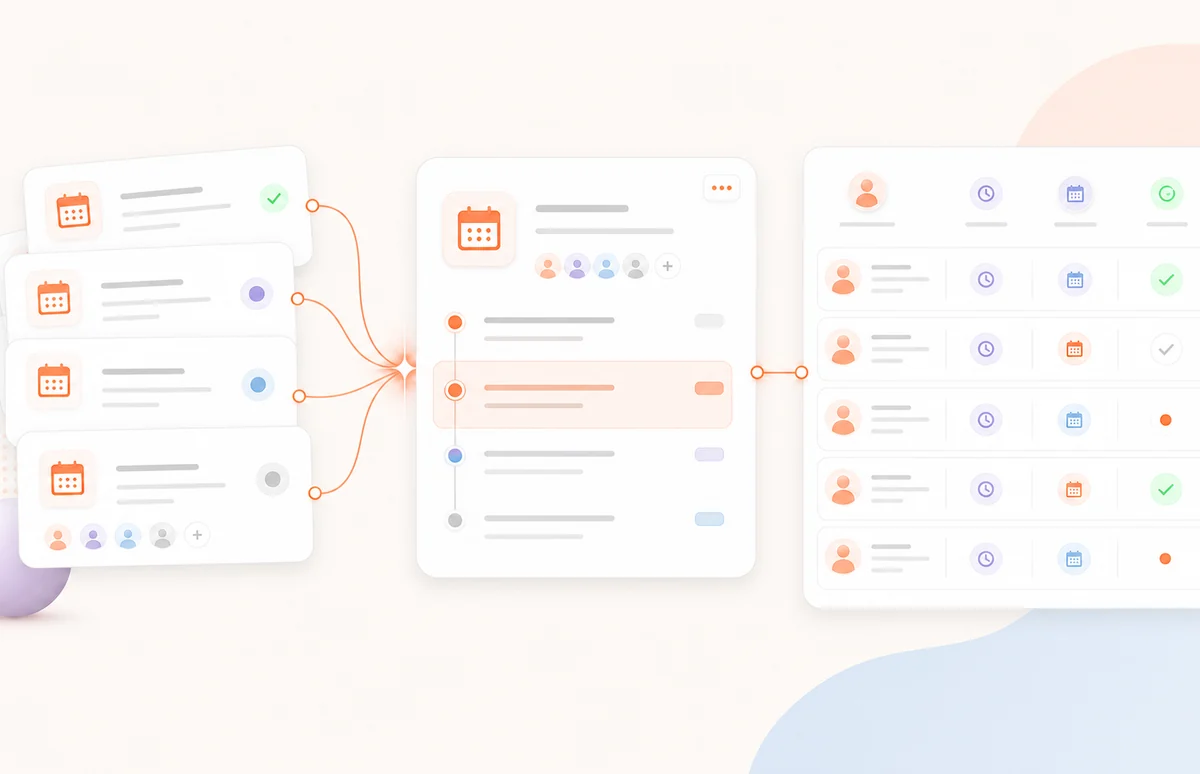
Collect useful registration details
Ask what registrants want, need, and expect before the event.
Create branded registration pages without a developer. Capture every registrant in Spacebrain’s built-in CRM, then connect reminders and follow-up from the same platform.
Build the registration experience, capture registrants in the CRM, and connect the reminders and follow-up your event needs.
Ask what registrants want, need, and expect before the event.
Add your logo, colors, headline, speaker message, and call to action.
Connect a workflow to update the lead, route the registrant, and prepare reminders or follow-up.
Standalone registration pages leave your team to connect the CRM, reminders, and follow-up. Spacebrain keeps the registrant and next step together.
With Spacebrain, registration, the lead record, routing, and follow-up stay connected in one workflow.
Add the event details, build the registration page, share it, and connect what happens before and after the event.
Add your webinar details, questions, and registration call to action.
Add your logo, colors, event message, and speaker details.
Publish the registration link across your site, email, and campaigns.
Save the registrant in the CRM and connect reminders or post-event follow-up.
Use Webinar Builder for lead generation, education, demos, client events, and community sessions—then keep each registrant connected to the CRM.
Capture interest and route qualified registrants to the next sales step.
Collect goals and questions before the session begins.
Build a branded registration path around your topic and offer.
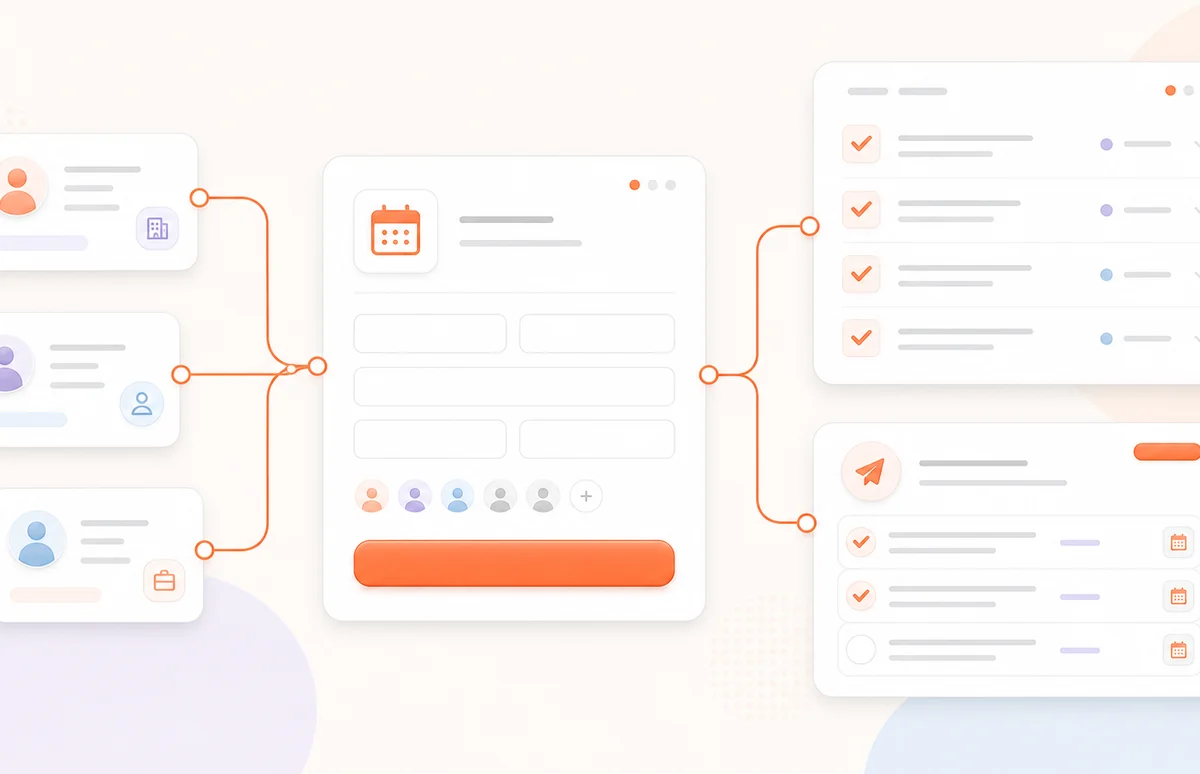
Organize attendees and keep follow-up tied to the right account.
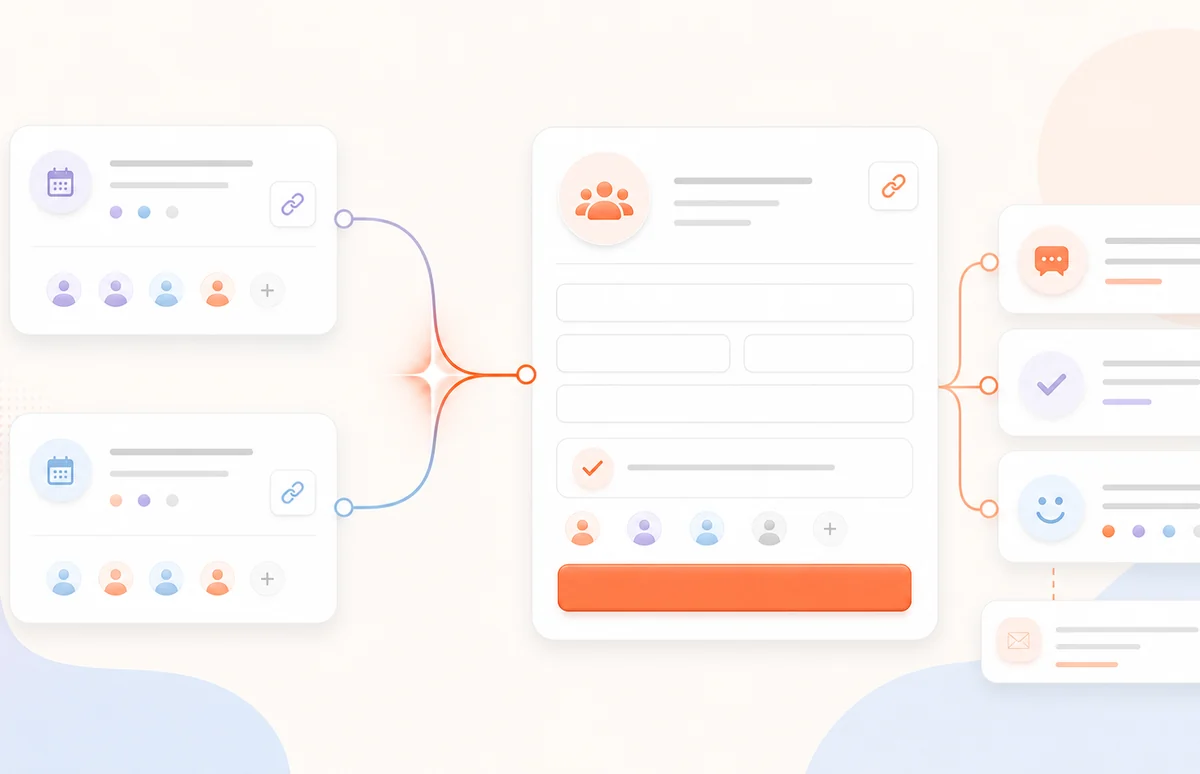
Give every partner event its own registration flow and next step.
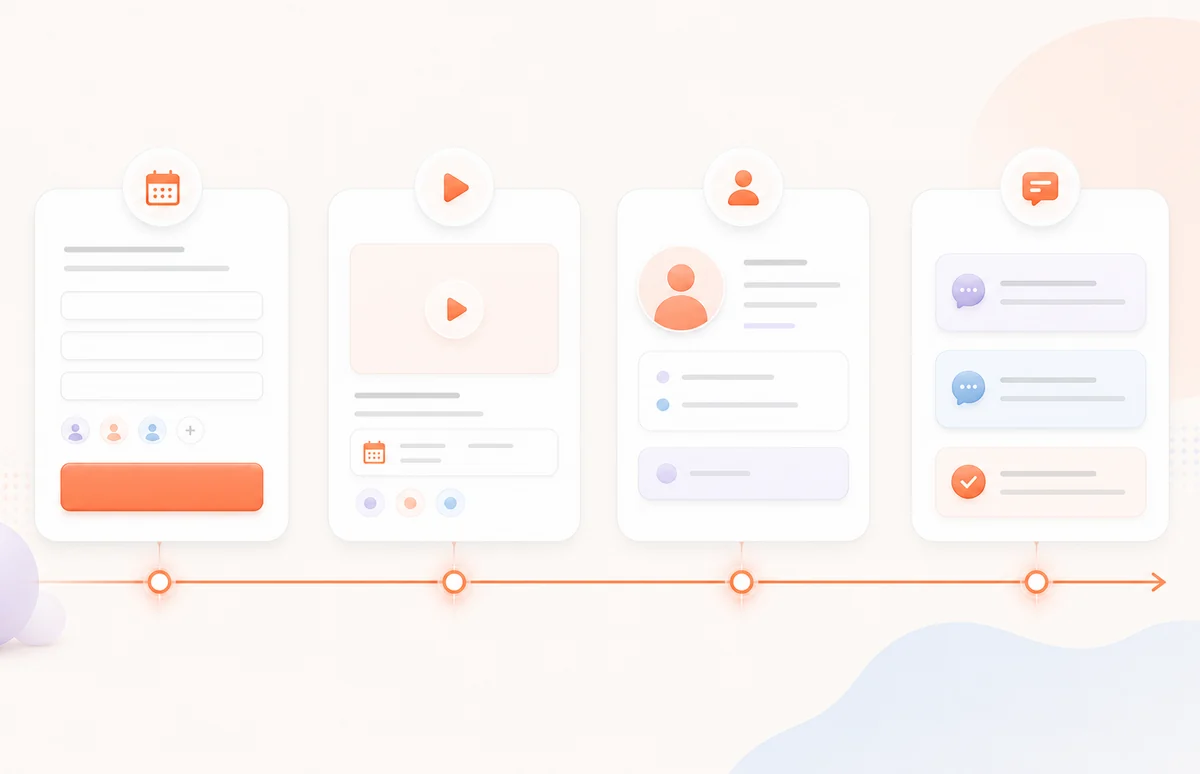
Use a webinar as the entry point to a connected nurture workflow.
Build client registration pages and connect registrants, reminders, and follow-up inside the same Spacebrain workspace.
Create branded webinar registration pages for demos, workshops, masterclasses, client training, and lead-generation events.
No. Add the event details, questions, branding, and next step in the no-code builder.
Registration details can be saved with the lead record in Spacebrain’s built-in CRM, ready for routing and follow-up.
Webinar Builder manages registration and the connected lead workflow. Add the meeting or streaming link you use for the event.
Yes. Create branded registration experiences for different clients, campaigns, and events, then manage registrants and follow-up in one place.
Yes. Connect the registration page to a Spacebrain workflow and configure the messages and next steps you want.
No. Registration details and Spacebrain’s built-in CRM work together, so the lead and next step stay connected.
Yes. Create a separate registration page and workflow for each webinar, client, campaign, or audience.
Yes. Start for free.
Create the registration page, capture every registrant, and connect the reminders and follow-up your event needs.